How to Post an Instagram Video Without Cropping
Instagram video without cropping means your whole clip stays visible: no heads cut off, no captions sliced at the edge, no important detail lost to…
VideoSaveTools guides
Practical guidance on photo sizes, video formats, compression and preparing content for sharing.
Instagram video without cropping means your whole clip stays visible: no heads cut off, no captions sliced at the edge, no important detail lost to…
Choose video format by starting from the destination, not from the file you happen to have. The same clip needs a different format for a…
Calculate video file size before you export, so you never discover too late that a video is too large for an upload limit, an email…
Convert video to MP3 when you want the sound from a video file you already have on your device — a lecture you recorded, a…
Convert video to GIF when you need a short, looping animation that plays everywhere without a video player: a reaction clip, a product demo moment,…
Rotate video when a clip plays sideways or upside down, by applying the rotation to the actual pixels, not just to a metadata hint. Many…
Mute video by re-rendering it without its audio track, so the result plays silently in every player, not just with the volume turned down. Turning…
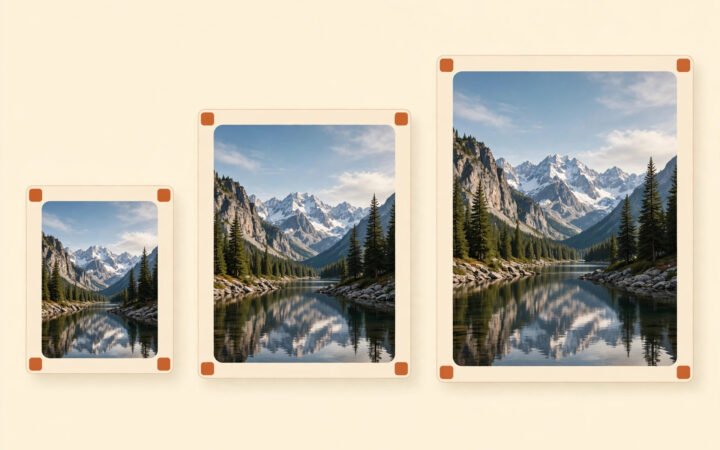
Resize image without losing quality by following one rule above all: shrink from a larger original, and never enlarge. Shrinking throws away pixels you do…
Convert PNG to JPG when you need a smaller, universally accepted file, but choose the background colour for transparent areas first. PNG supports transparency; JPG…
Convert JPG to WebP when you want a website image to load faster without visibly changing how it looks. WebP is a modern image format…